





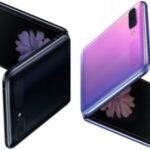

Huawei Mate 20 Pro Lcd With Digitiser(W/F) Glass Change Black
- Original, High Quality LCD for Huawei Mate 20 Pro with black.
- Only compatible with Huawei Mate 20 Pro
- Perfect Screen replacement for the LCD screen of your phone that is accidentally damaged by an outside force or develops certain issues.
- Replacement screen assembly to fix almost any touchscreen faults your Huawei Mate 20 Pro might have.
- Be careful not to harm the new part or the rest of your Huawei Mate 20 Pro when replacing it.
- 100% ideal fit with excellent craftsmanship, high-quality materials, and exact machining.
- Kindly verify your phone's version Before purchasing.
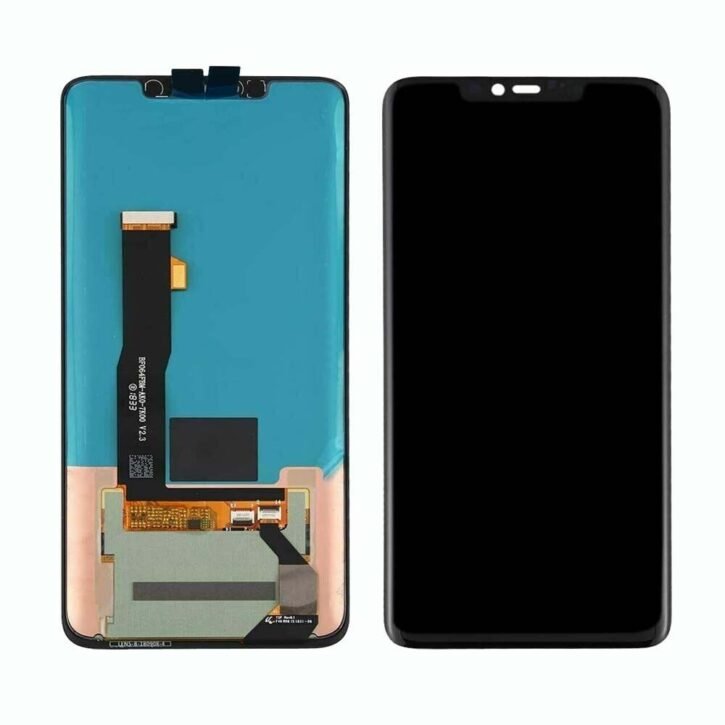
Huawei Mate 20 Pro Lcd With Digitiser(W/F) Glass Change Blue
- Original, High Quality LCD for Huawei Mate 20 Pro with blue frame.
- Only compatible with Huawei Mate 20 Pro
- Perfect Screen replacement for the LCD screen of your phone that is accidentally damaged by an outside force or develops certain issues.
- Replacement screen assembly to fix almost any touchscreen faults your Huawei Mate 20 Pro might have.
- Be careful not to harm the new part or the rest of your Huawei Mate 20 Pro when replacing it.
- 100% ideal fit with excellent craftsmanship, high-quality materials, and exact machining.
- Kindly verify your phone's version Before purchasing.
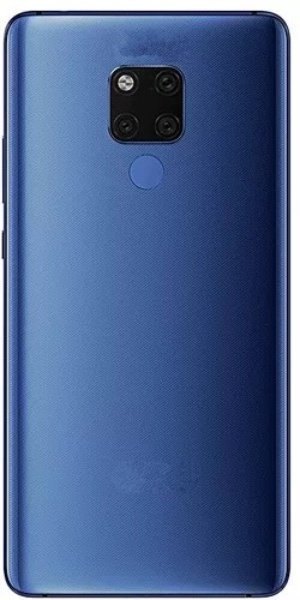
Huawei Mate 20 X – Battery Back With Lens MIdnight Blue
- Gives easy access to all Phone ports and fits Perfectly when applied to the back of the phone.
- The battery back is lightweight, easy to use, install, and compatible with your phone’s model.
- Battery Back Cover compatible with Huawei Mate 20 X
- The battery back replacement can replace broken, cracked, or damaged battery covers.
- This replacement part covers the entire back of your mobile devices perfectly.
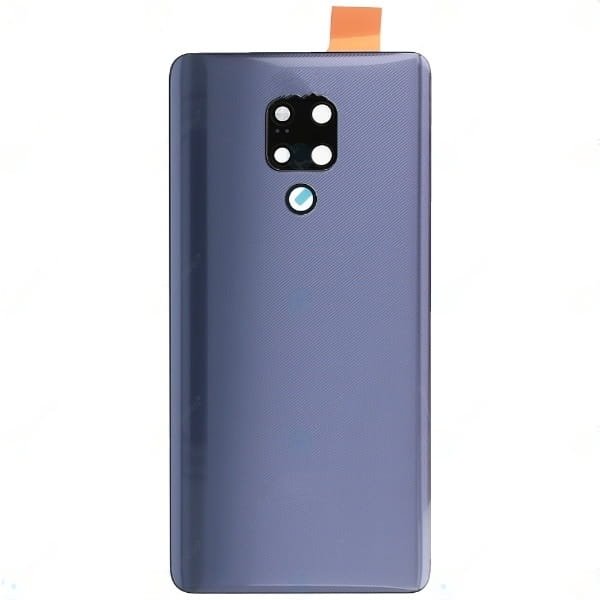
Huawei Mate 20 X – Battery Back With Lens Phantom Silver
- Gives easy access to all Phone ports and fits Perfectly when applied to the back of the phone.
- The battery back is lightweight, easy to use, install, and compatible with your phone’s model.
- Battery Back Cover compatible with Huawei Mate 20 X
- The battery back replacement can replace broken, cracked, or damaged battery covers.
- This replacement part covers the entire back of your mobile devices perfectly.
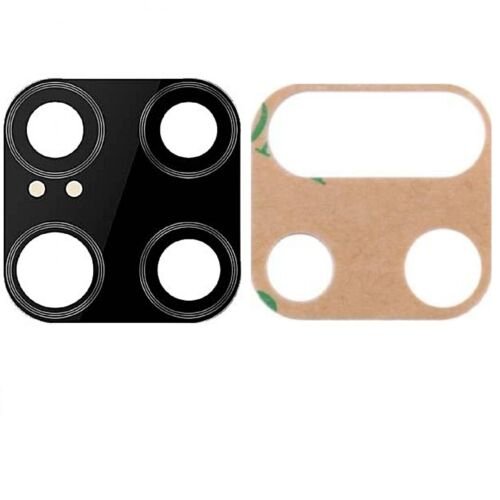
Huawei Mate 20 X Phone Parts Camera Lens
- 100% Brand New Camera lens for Huawei Mate 20 X.
- Can be used to replace, a missing, cracked, or Blurry back camera lens.
- A high-Quality back camera lens protects your phone’s camera from scratches.
- Rear camera lens replacement parts for Huawei Mate 20 X.
- Retains the original Pixels and photo quality of your mobile phone with 99% high definition.

Huawei Mate 20 X Phone Parts Ear Piece
- Earpiece Replacement part for the Huawei Mate 20 X
- Replaces damaged, cracked, unrecognized, or defective Earpiece parts.
- Solves Low Signal or No signal issues your phone's earpiece might have.
- It requires professional skills when replacing or repairing it so be extremely careful when replacing the Earpiece part.
- Specially tested and guaranteed for use.
- Kindly verify your phone's version Before purchasing.

Huawei Mate 20 X Phone Parts Loud Speaker
- Loud Speaker Replacement for Huawei Mate 20 X
- Restores full sound if your phone’s speaker sound is distorted or you can’t hear any sound from your phone’s speaker when in loud mode.
- Right replacement for damaged, broken, or defective Huawei Mate 20 X
- The replacement speaker is produced with the best quality.
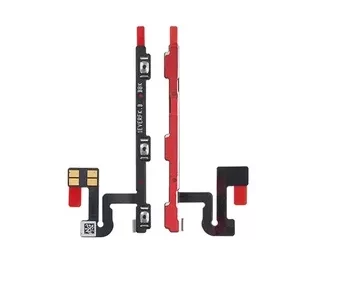
Huawei Mate 20 X Phone Parts Power Flex
- Power Flex Replacement part for the Huawei Mate 20 X.
- Replaces damaged, cracked, unrecognized, or defective Huawei Mate 20 X power button flex parts.
- This Power Flex Replacement Parts for Huawei Mate 20 X is a great purchase.
- Be extremely careful when replacing the Power Flex.
- Specially tested and guaranteed for use.

Huawei Mate 20 X Phone Parts Sim Tray Blue
- Easy to install Sim Card Tray Replacement For Huawei Mate 20 X
- Carefully replace faulty sim card tray with this part.
- This replacement is specially designed for Huawei Mate 20 X sim card for good connectivity.
- To open your device's SIM tray, insert a SIM-eject tool into the hole beside the tray.
- Tested and recommended for use