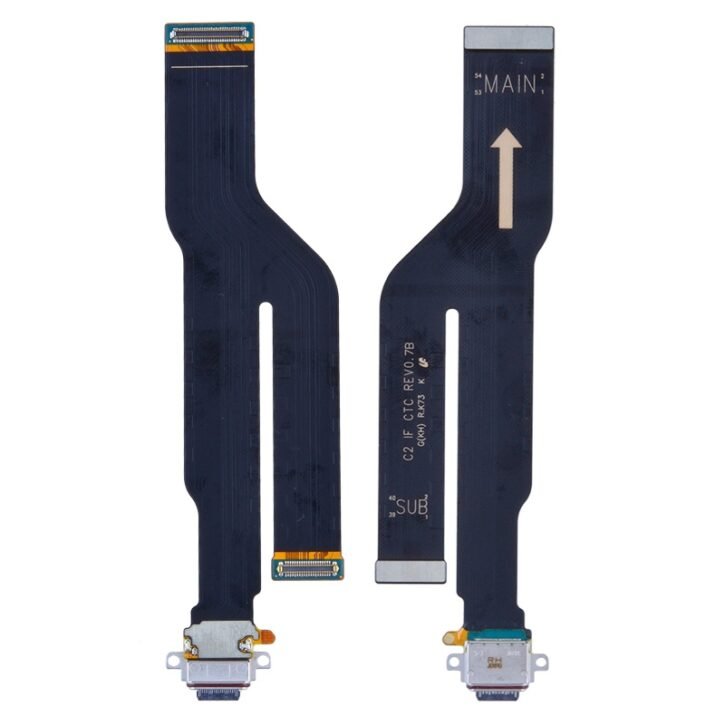
Samsung Note 20 Ultra N985 – Charging Port
- Charging Port Replacement part compatible with Samsung Note 20 Ultra N985
- It conveniently restores your phone's charging port functions.
- Perfect Replacement for the charging port of your phone that doesn’t charge or transfer data.
- Be extremely careful when replacing the charging port to avoid damage to your Phone.
- Specially tested for use and installation.
- Requires professional skills for installing
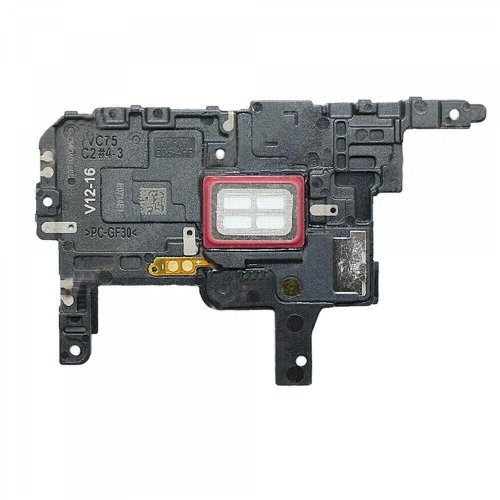
Samsung Note 20 Ultra N985 – Ear Piece
- Earpiece Replacement part for the Samsung Note 20 Ultra N985
- Replaces damaged, cracked, unrecognized, or defective Earpiece parts.
- Solves Low Signal or No signal issues your phone's earpiece might have.
- It requires professional skills when replacing or repairing it so be extremely careful when replacing the Earpiece part.
- Specially tested and guaranteed for use.
- Kindly verify your phone's version Before purchasing.
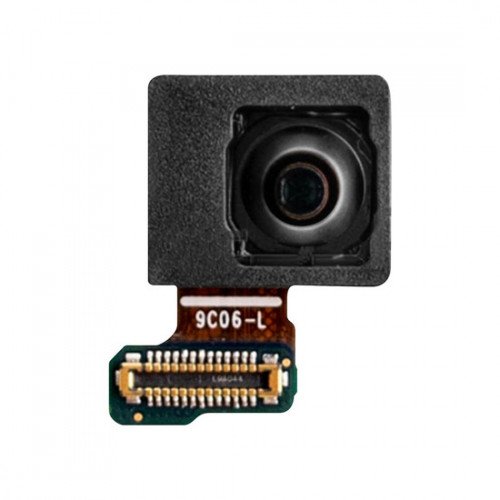
Samsung Note 20 Ultra N985 – Front Camera
- Perfect Front Camera Replacement for Samsung Note 20 Ultra N985
- Replaces phone front camera that is malfunctioning and unable to take photos or videos.
- This front camera replacement can be used to fix issues that won't open and grainy pictures and videos.
- Replacement Camera made from high-quality materials.
- Specially tested for use and installation.
- Compatible with Samsung Note 20 Ultra N985 Front Camera

Samsung Note 20 Ultra N985 – LCD Flex
- LCD Flex Replacement part for the Samsung Note 20 Ultra N985
- Replaces damaged, cracked, unrecognized, or defective Samsung Note 20 Ultra N985LCD Flex parts.
- This LCD Flex Replacement Part for Samsung Note 20 Ultra N985 requires professional skills when replacing or repairing it.
- Be extremely careful when replacing the LCD Flex.
- Specially tested and guaranteed for use.
- Kindly verify your phone's version Before purchasing.
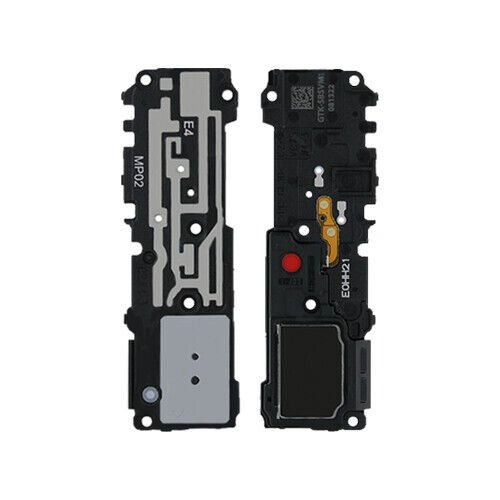
Samsung Note 20 Ultra N985 – Loud Speaker
- Loud Speaker Replacement for Samsung Note 20 Ultra N985.
- Right replacement for damaged, broken, or defective Samsung Note 20 Ultra N985 Loud Speaker.
- The replacement speaker is produced with the best quality.
- Restores full sound if your phone’s speaker sound is distorted or you can’t hear any sound from your phone’s speaker when in loud mode.
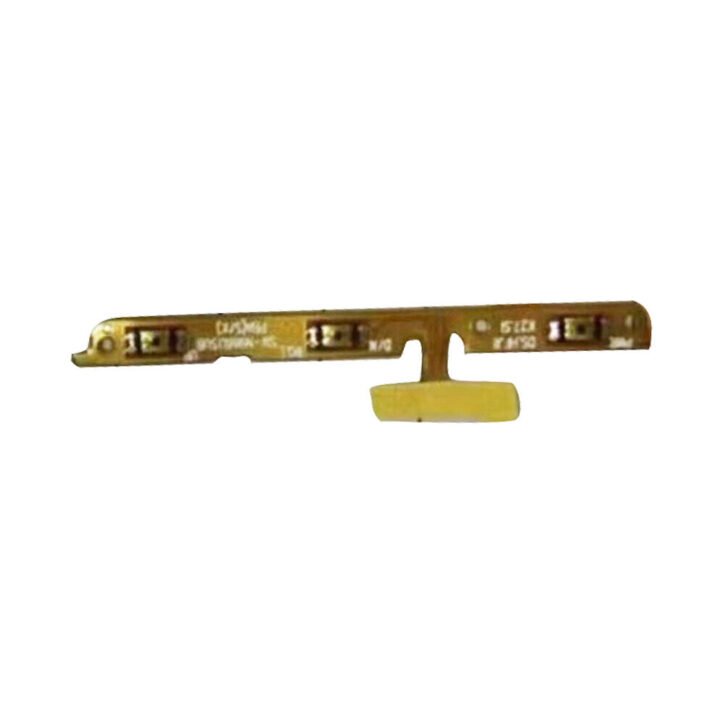
Samsung Note 20 Ultra N985 – Power Flex
- Power Flex Replacement part for the Samsung Note 20 Ultra N985.
- Replaces damaged, cracked, unrecognized, or defective Samsung Note 20 Ultra N985 Power flex parts.
- This Power Flex Cable Replacement Parts for Samsung Note 20 Ultra N985 is a great purchase.
- Be extremely careful when replacing the power Flex.
- Specially tested and guaranteed for use.
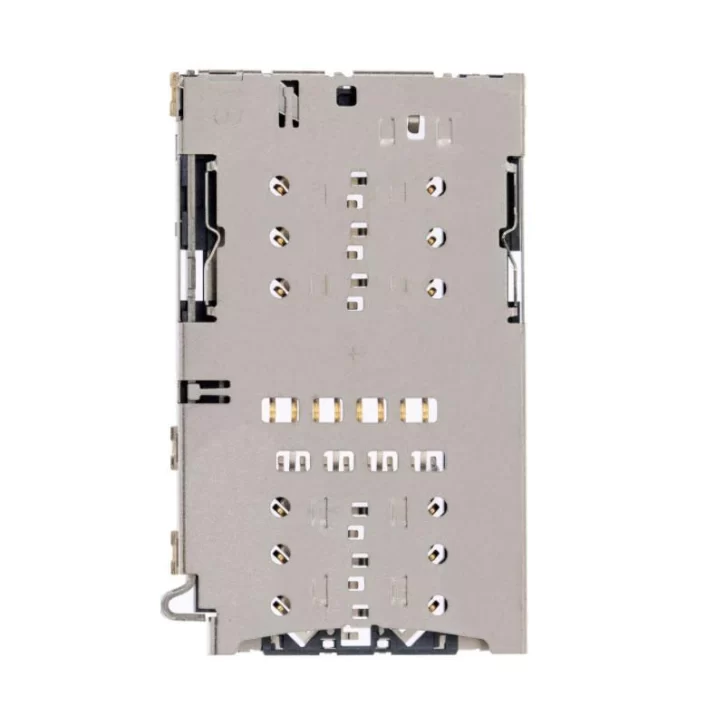
Samsung Note 20 Ultra N985 – Sim Reader
- Perfect Sim Card Reader replacement part for Samsung Note 20 Ultra N985.
- This replacement part is designed for Samsung Note 20 Ultra N985 to insert a sim card for good connectivity without effort.
- To open your device's SIM tray, insert a SIM-eject tool into the hole beside the tray.
- Carefully replace a faulty or corroded sim card reader with this part.
- Made especially for Samsung Note 20 Ultra N985 only.

Samsung Note 20 Ultra N985 – Sim Tray Mystic Bronz
- Easy to install Sim Card Tray Replacement For Samsung Note 20 Ultra N985
- Carefully replace the faulty sim card tray with this part.
- This replacement is specially designed for Samsung Note 20 Ultra N985 sim card for good connectivity.
- To open your device's SIM tray, insert a SIM-eject tool into the hole beside the tray.
- Tested and recommended for use.
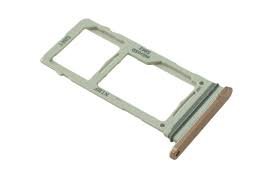
Samsung Note 20 Ultra N985 – Sim Tray Mystic Green
- Easy to install Blue Sim Card Tray Replacement For Samsung Note 20 Ultra N985
- Carefully replace the faulty sim card tray with this part.
- This replacement is specially designed for Samsung Note 20 Ultra N985 sim card and good connectivity.
- To pop open your device's SIM tray, insert a paperclip or a SIM-eject tool into the hole beside the tray.
- Tested and recommended for use.